
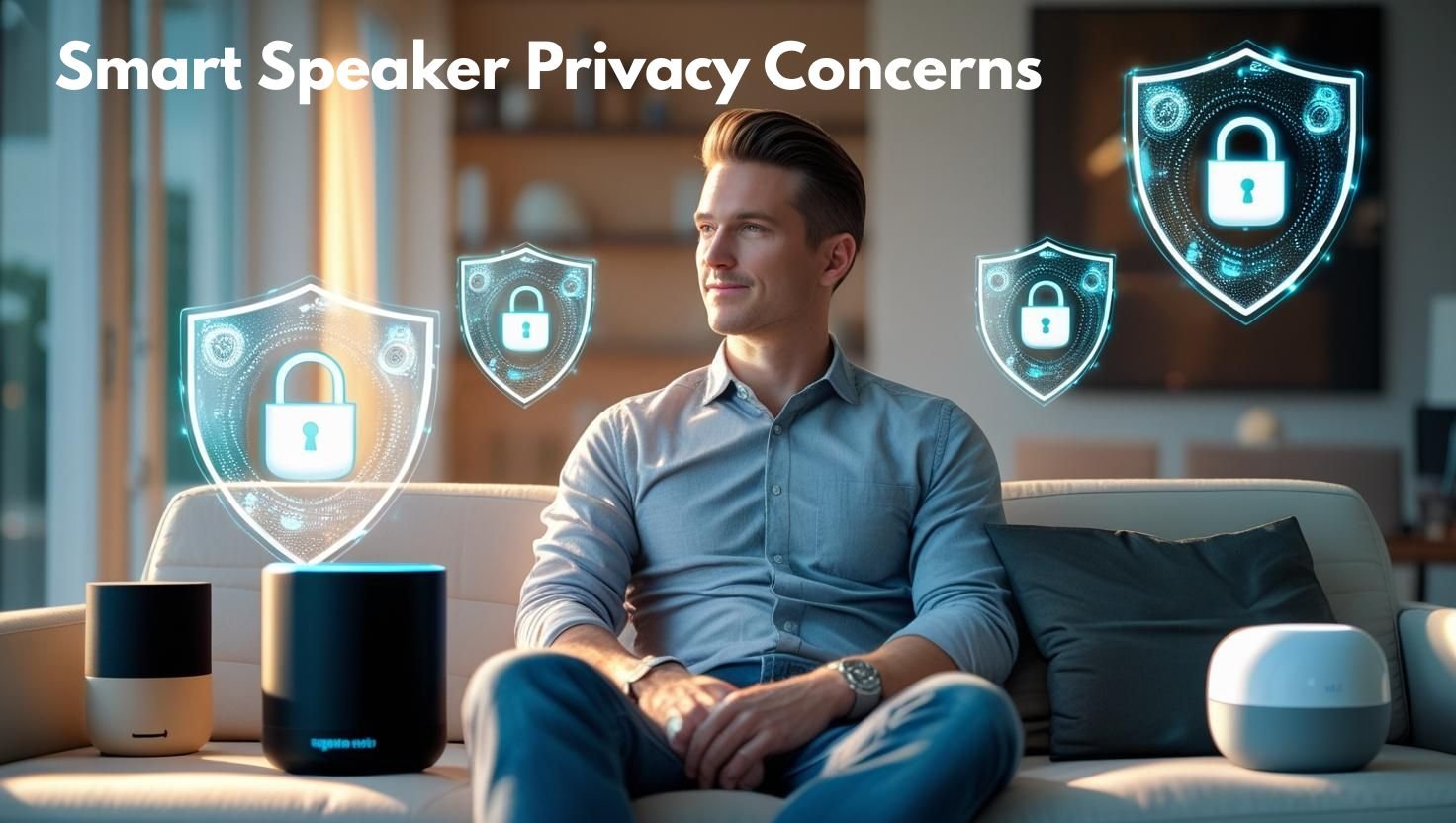
Privacy Concerns with Smart Speakers: What You Need to Know
At SmartHome.Shalkot.com, we are dedicated to helping users enjoy smart technology while staying secure. In this guide, we explore common privacy issues with smart speakers and offer practical steps to protect your data.
Why Smart Speaker Privacy Matters
Smart speakers are always listening for their wake words (like “Hey Siri” or “OK Google”). This means they potentially record conversations inadvertently. These recordings may be stored on cloud servers for analysis, and in some cases, even reviewed by human staff.
Common Privacy Concerns
- Always-On Microphones: They are continuously active, increasing the risk of accidental recordings.
- Cloud Storage: Voice commands are sent to cloud servers, sometimes stored indefinitely.
- Third-Party Apps: Skills and actions may have access to personal data.
- Hacking and Unauthorized Access: Without proper security, your devices can be hijacked.
How to Protect Your Privacy
1. Review Your Voice Recordings
Regularly review and delete stored recordings:
2. Mute the Microphone
All major smart speakers have physical mute buttons. Use them when the device isn’t in use.
3. Limit Permissions
Review permissions granted to third-party apps (called “Skills” for Alexa or “Actions” for Google).
4. Enable Two-Factor Authentication (2FA)
For your device accounts (Amazon, Google, Apple), enable 2FA to add an extra layer of protection.
Smart Speakers and GDPR/CCPA Compliance
European and Californian laws like GDPR and CCPA give users more control over their data. Check whether your devices allow for data export and deletion in compliance with these regulations.
Offline Alternatives and Edge Processing
Newer models of smart speakers (like the HomePod mini) are beginning to process more commands on-device (edge processing). This reduces reliance on cloud storage and boosts privacy.
How Companies Are Responding
Apple promotes privacy with on-device processing and limited sharing. Google and Amazon offer transparency tools but have been criticized for weak data-sharing policies in the past. These companies are evolving, but vigilance is still necessary.
Top Privacy Tips for Smart Home Users
- Turn off “Improve Accuracy” settings that send more voice data to companies.
- Set reminders to clear stored audio monthly.
- Only enable necessary skills or integrations.
- Place smart speakers in common areas, not private rooms like bedrooms.
- Review your Smart Home Privacy Settings Checklist.
Conclusion
Smart speakers are here to stay—but so are privacy concerns. By understanding the risks and taking proper precautions, you can enjoy the convenience of voice assistants without compromising your security.
Want more guides on protecting your home tech? Visit our Smart Home Blog or explore our detailed article on setting up a secure smart home network.