Smart Home Solutions for Renters
2025 Guide to Temporary Upgrades & Damage-Free Installation

73% of US renters avoid smart home tech due to lease restrictions. This guide reveals 2025’s best temporary solutions that provide security, comfort, and savings without risking your security deposit.
Renter Challenges & Smart Solutions
Renters face unique obstacles when implementing smart home technology. Here’s how to navigate them:
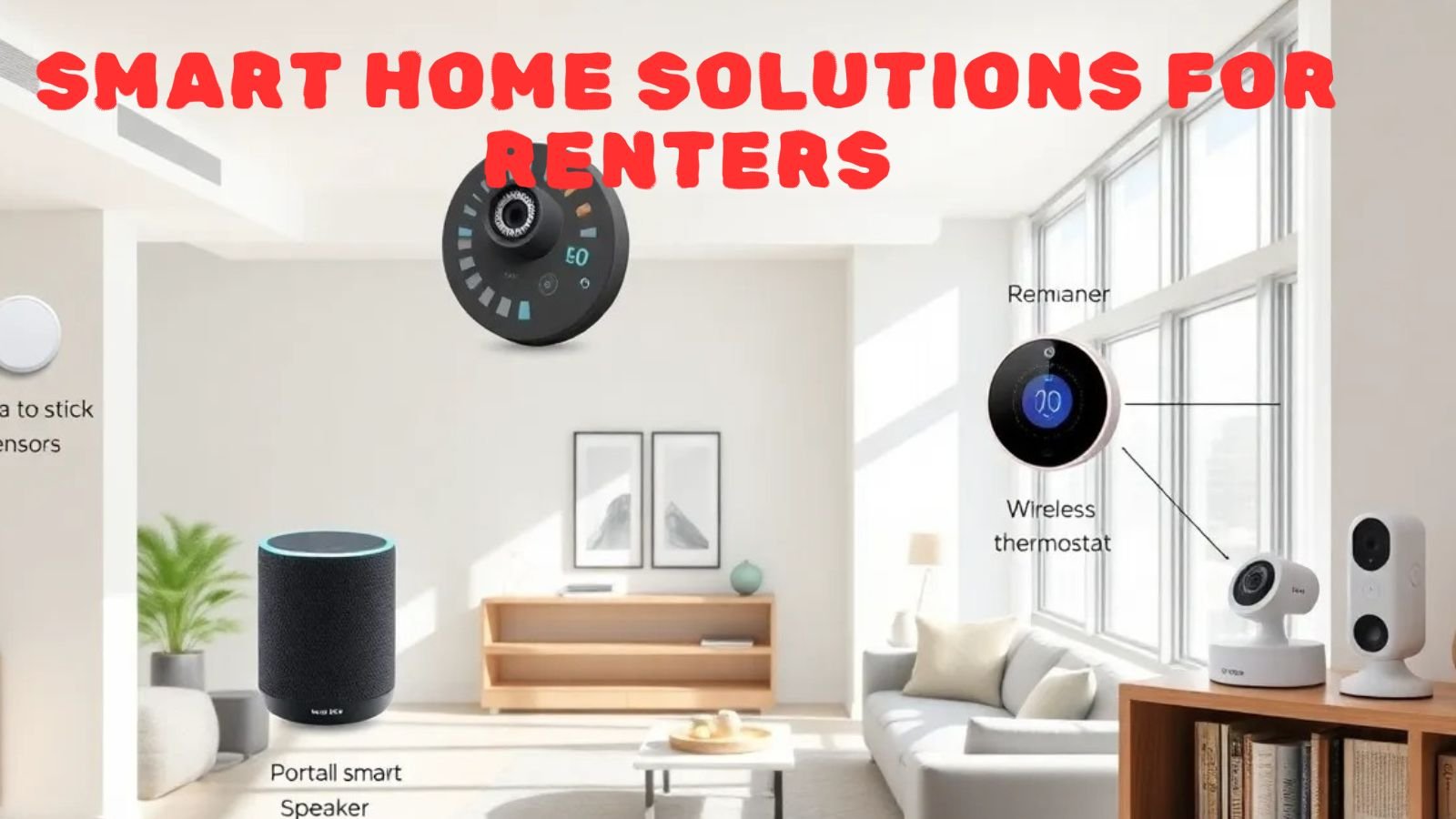
Landlords typically prohibit drilling, wiring, or permanent installations. Solution: Use peel-and-stick sensors, plug-in devices, and freestanding solutions.
Any damage can cost you your deposit. Solution: Use damage-free mounting products like Command Strips and renter-friendly adhesives.
Building-wide networks limit control. Solution: Use devices with hub-based connections and portable hotspots.
Damage-Free Device Guide
| Category | Best 2025 Solution | Installation Method | Cost |
|---|---|---|---|
| Security | Blink Mini Portable Cam | Non-permanent adhesive mount | $35-$79 |
| Lighting | Philips Hue Plug | Plug into existing outlets | $39-$89 |
| Climate | Sensibo Air Mini | IR blaster for existing AC units | $99 |
| Locks | August Wi-Fi Lock (4th Gen) | Fits over existing deadbolt | $229 |
| Monitoring | Aqara Vibration Sensor | Peel-and-stick adhesive | $20 |
Top Renter-Friendly Devices
TP-Link Kasa Mini • Control lamps and appliances • No hub required
Eve Door & Window • Peel-and-stick • HomeKit Secure
Cielo Breez Plus • Smart AC controller • No wiring needed
Moen Smart Water Detector • Battery powered • Wireless alerts
Renter Starter Kits by Budget
Damage-Free Installation Guide
Follow these professional tips to avoid deposit deductions:
Use Command Strips rated for device weight. Test on the hidden area first.
Heat the adhesive with a hair dryer before removal. Use dental floss to slice through.
Use a travel router to create a private network in restricted Wi-Fi buildings.
Photograph in original condition. Keep all mounting materials for reinstallation.
Get Your Custom Renter Plan
Take our 2-minute quiz to receive personalized recommendations for your rental situation
Landlord Negotiation Tips
How to get approval for smart home installations:
- Highlight Benefits: Emphasize energy savings and security improvements
- Offer Reversion: Promise to restore original condition upon move-out
- Provide Documentation: Share installation plans and product specs
- Offer Shared Costs: Split the cost of permanent upgrades like smart thermostats
- Start Small: Begin with plug-in devices before requesting permissions
What to Avoid
These modifications will likely cause deposit deductions:
- Drilling holes for wiring or mounts
- Replacing light switches without permission
- Painting over mounted devices
- Installing doorbells that require wiring
- Using adhesives that damage surfaces